Visual ESP
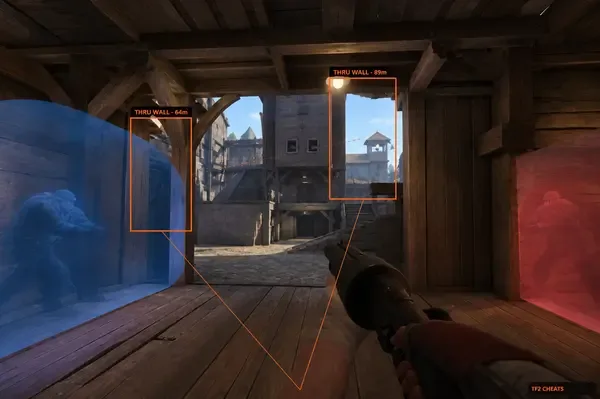
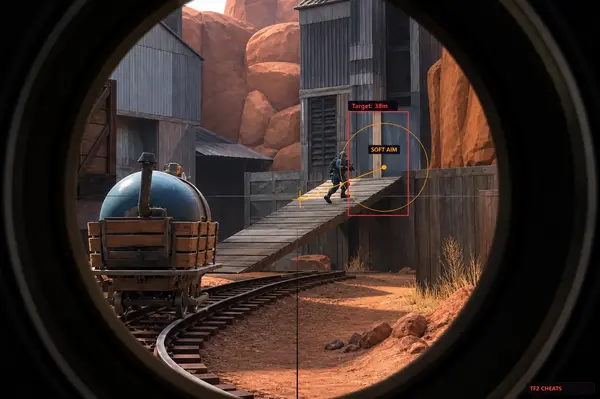
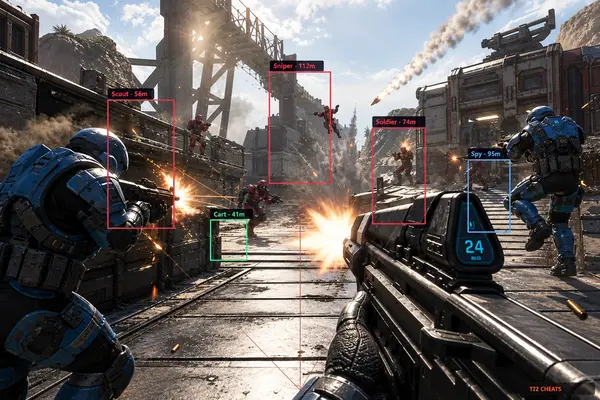
See Players and Buildings
View player information and Engineer buildings through the available ESP options.
- Player boxes, skeletons, and health indicators
- Sentry, dispenser, and teleporter markers
- Team colors and visibility options
Browse TF2 hacks with aimbot, ESP, and wallhack features. Compare available cheats, explore supported settings, and find a Team Fortress 2 hack that fits your needs.
Features
See what each feature does and choose the settings that fit your needs.
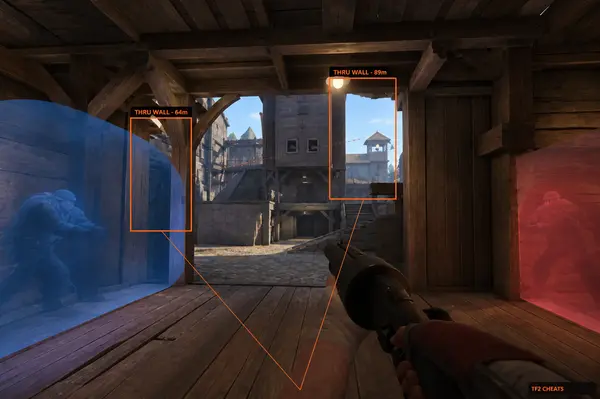
See Players and Buildings
View player information and Engineer buildings through the available ESP options.
Aim and Target Settings
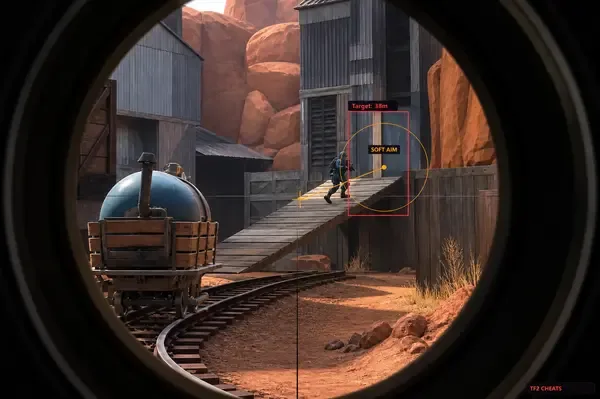
Explore aim settings, including field of view, smoothness, target selection, and projectile prediction.
Extra Settings and Saved Configs
Adjust other available options and save settings for later use.
Products
Explore the available Team Fortress 2 features and access options.
Why Us
Find out what the software includes, how setup works, and where to get help.
Check the latest compatibility information before using the software after a Team Fortress 2 update.
Explore the available options and adjust them to your preferences.
Visit the support channel for help with installation, configuration, and common questions.
Review the available features and access options before making a purchase.
<24h
Patch turnaround
Usual time to ship a loader update after a big Team Fortress 2 or VAC patch.
24/7
Support
Discord help for setup, configs, and account issues.
300+
Users
PC players using aimbot, ESP, and tools on tf2hacks.com.
Setup
Check your setup, get access, then install and adjust your settings.
How It Works
Buy, download the loader, set modules, and save your Team Fortress 2 config for next time.
4 steps
Read the live banner on the dashboard before you buy or launch.
Choose the best plan for you depending on the features you want.
Download from the portal, turn on modules, and test in an offline map or a training server.
Save your final settings to the cloud so they are ready whenever you play.
Blog
Read articles about Team Fortress 2 features, configuration options, software updates, and troubleshooting.
Buy TF2Hacks Advanced or Standard on tf2hacks.com with aimbot, ESP, and wallhack for Steam TF2.
See how TF2Hacks Advanced and Standard aim modules fit Sniper, Scout, and Soldier on Windows Steam TF2.
Buy TF2Hacks Advanced for rocket, pipe, and arrow prediction. Monthly or lifetime plans on tf2hacks.com.
FAQ
Find answers about features, compatibility, access options, setup, and support.